



Tech systems built around your business, so the mundane tasks stop.
Bookings, payments, customer records, reminders. We look at the jobs your team repeats every day and build the system that does them for you, so you get your time back.

What we do
If your team does it by hand, over and over, we can probably take it off their plate.
Booking and payment systems
Customers book, order and pay on their own, day or night, from a kiosk, your website or their phone. No more taking bookings over the phone or chasing payments.
Native apps
Apps for iPhone, Mac and Android that put the everyday jobs in your staff and customers’ pockets: checking stock, approving requests and getting notified when something needs them.
CRM and management systems
Your customers, sales, quotes, invoices and jobs in one place, laid out the way your business already works. No more copying between spreadsheets that don’t talk to each other.
Portals and messaging
Reminders, results and updates sent to the right people automatically, plus a portal where staff, customers or parents can check things for themselves instead of calling you.
The jobs we take off your plate
The work your team repeats every day, done by the system instead.
Bookings. Taking bookings over the phone
Customers book a slot themselves, and it’s confirmed straight away.
MOT and serviceConfirmed- When
- Thu 14 Nov, 9:30
- Vehicle
- Ford Fiesta · AB12 CDE
- Customer
- Jo Turner
Payments. Chasing payments
The invoice goes out with a pay link, and the receipt sends itself.
Invoice 1042Paid- MOT and service
- £189.00
- Wiper blades
- £24.00
- Total
- £213.00
Records. Copying between spreadsheets
One record for each customer, kept up to date by every job.
Jo TurnerUp to date- Phone
- 07700 900 123
- Visits
- 3 since March 2024
- Next MOT
- Due Nov 2027
Updates. “Is it ready yet?” calls
A text goes out the moment the job is done.
Text to Jo TurnerDelivered- Message
- Hi Jo, your Fiesta is ready to collect from 4pm. See you soon. Elm Road Garage
Example data for a made-up garage.
Selected work
Screens from the working systems. Names and figures are example data.
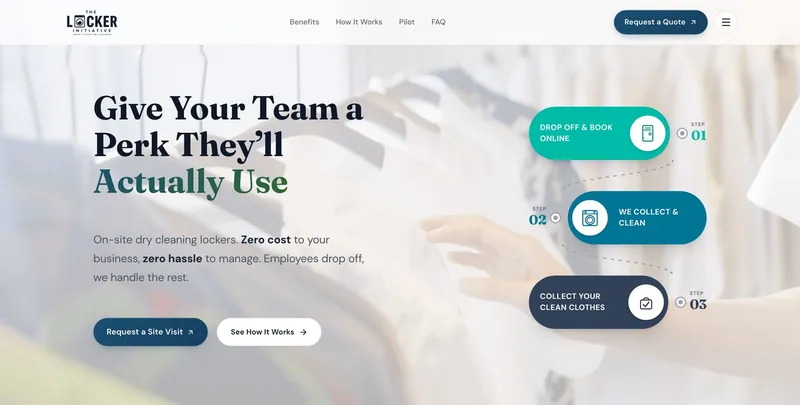
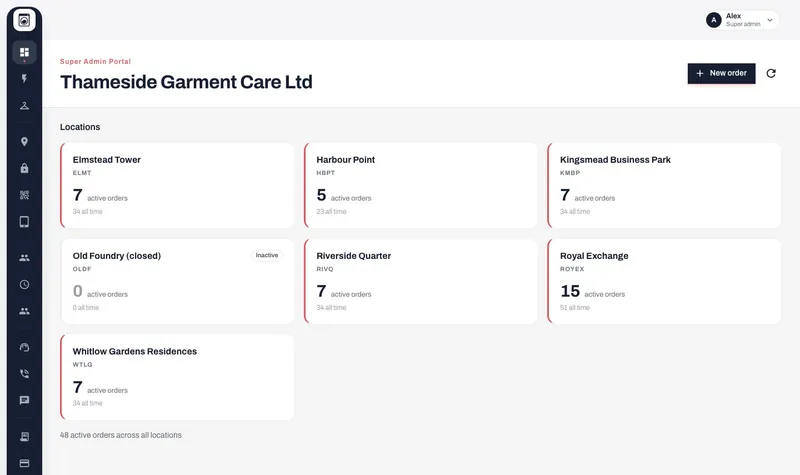
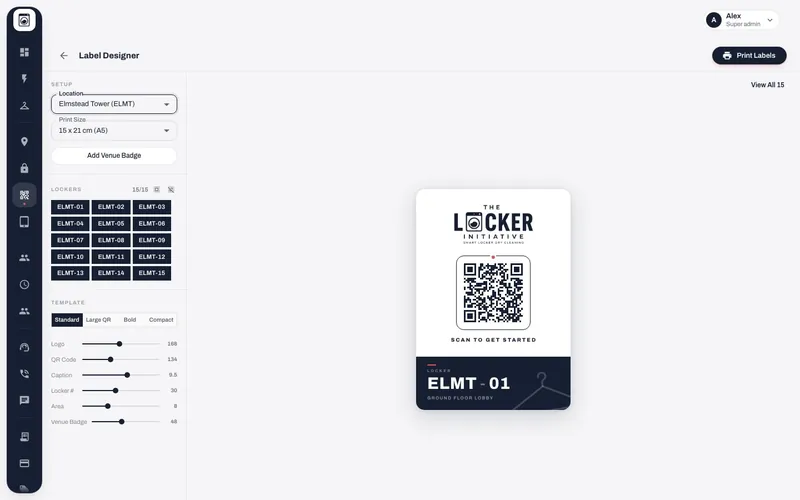
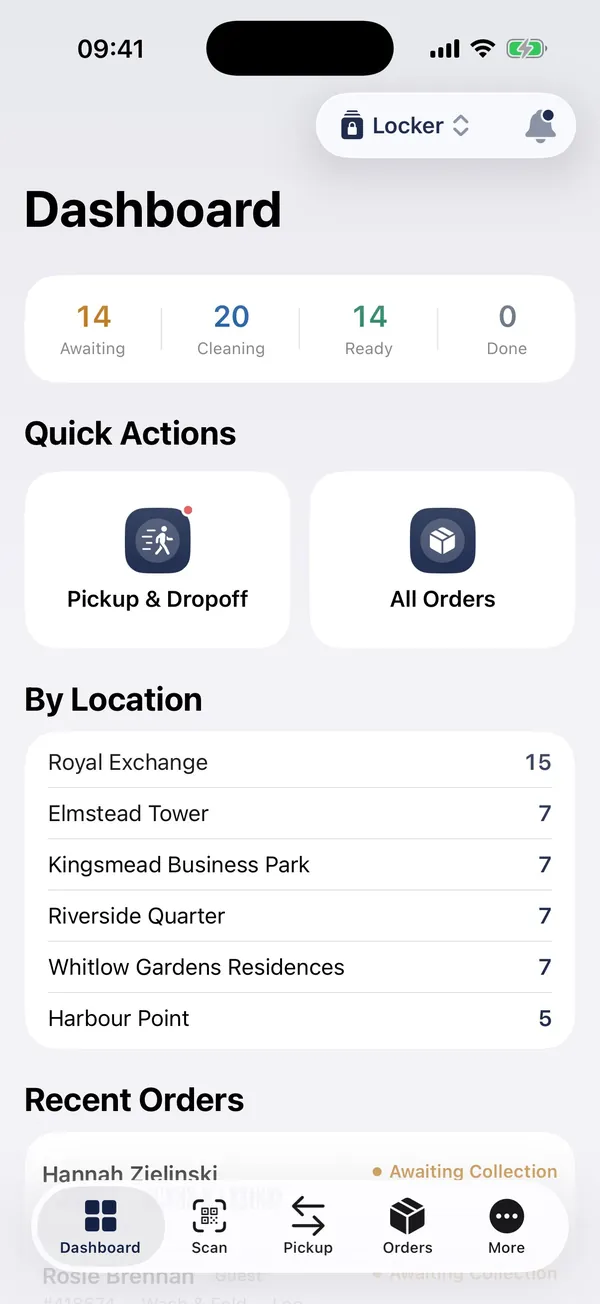
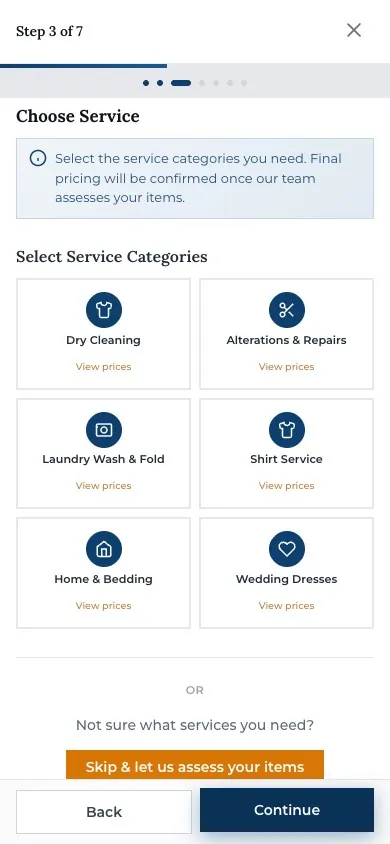
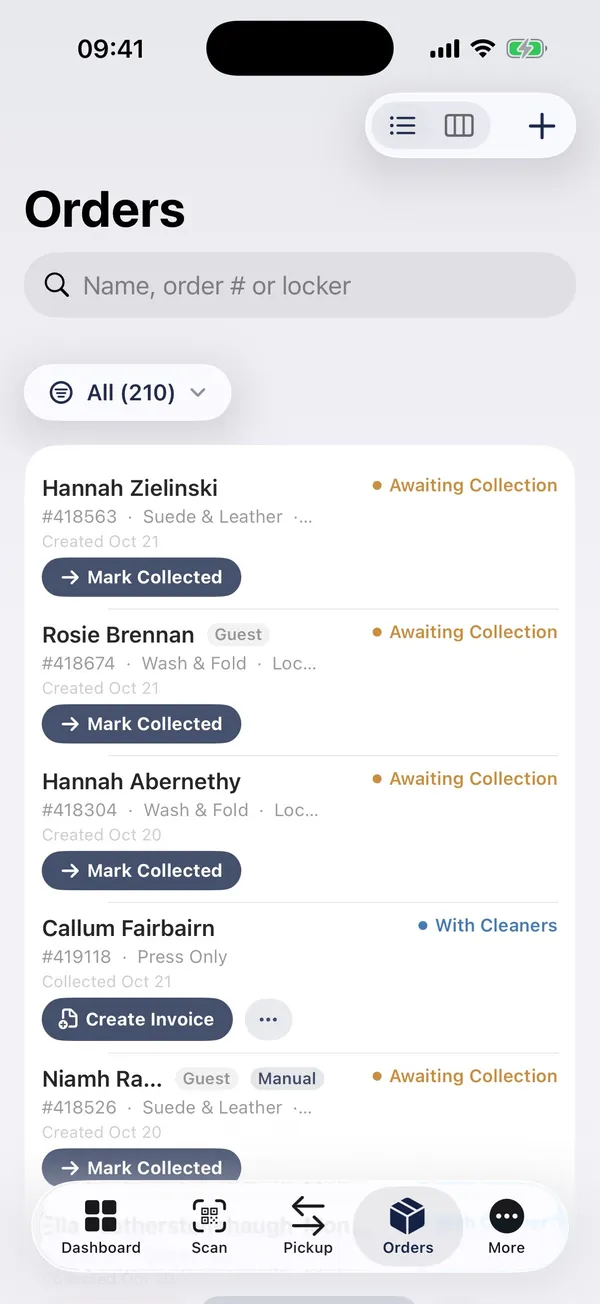
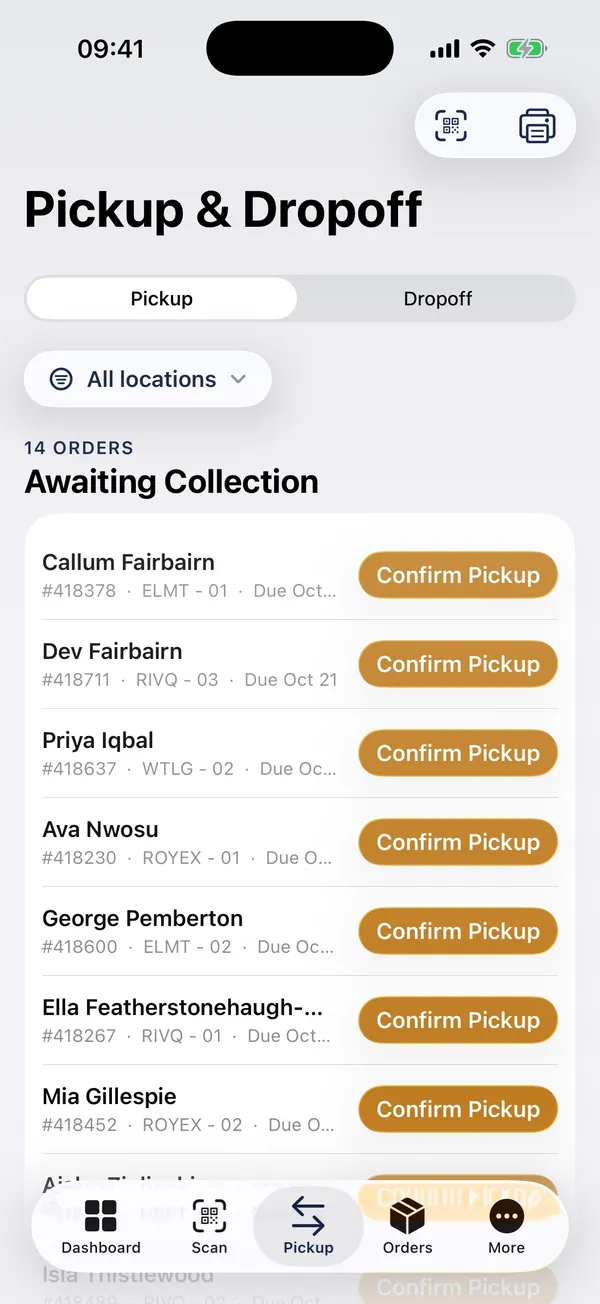
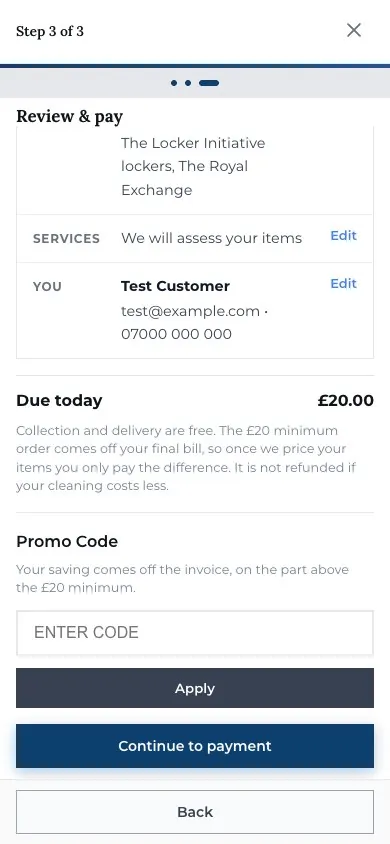
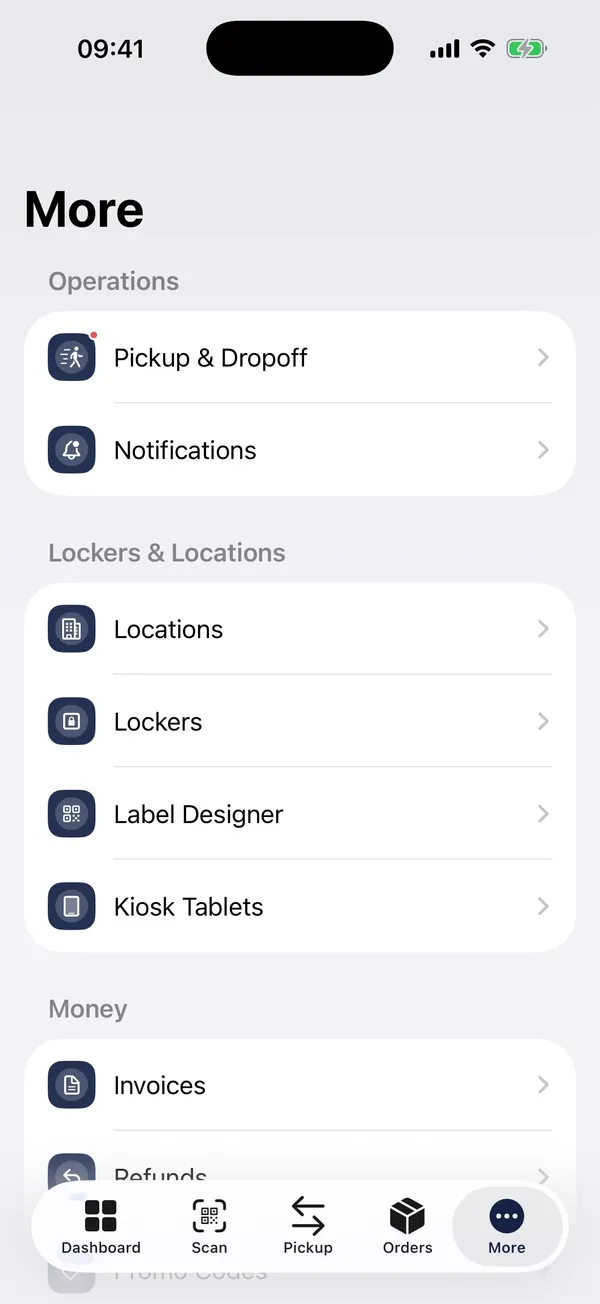
Smart-locker dry cleaning
A public website with booking and payment, a staff app for collections, label printing, kiosk tablets and finance reporting.
- Website
- Web admin
- iOS
- Android
- Kiosk
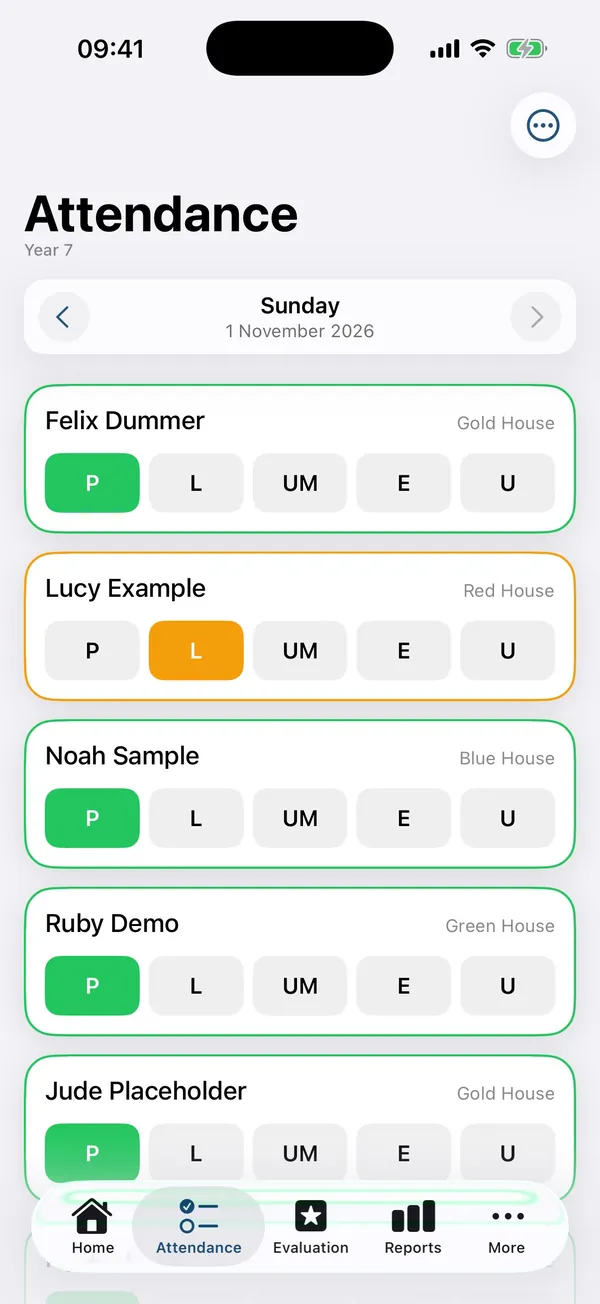
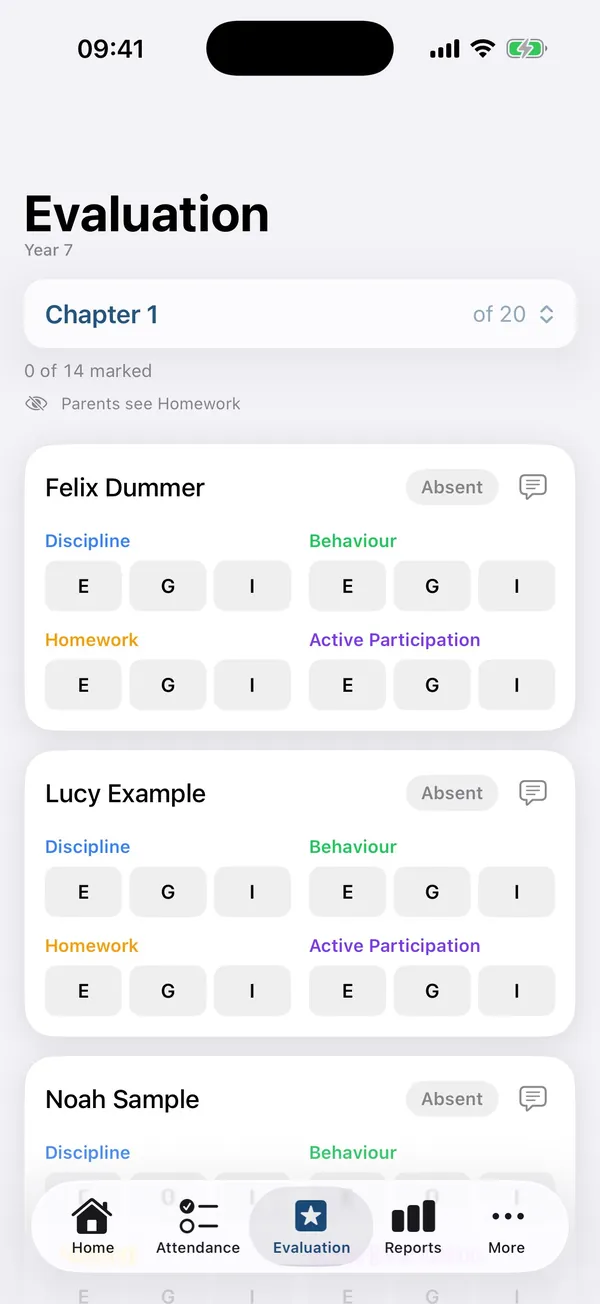
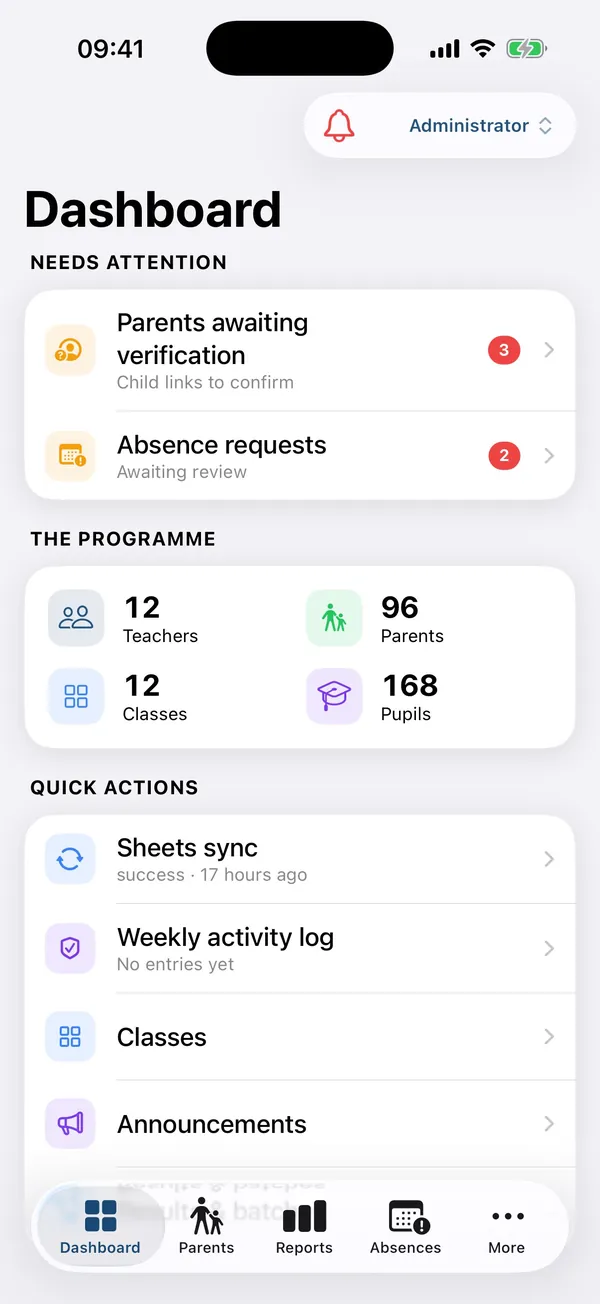
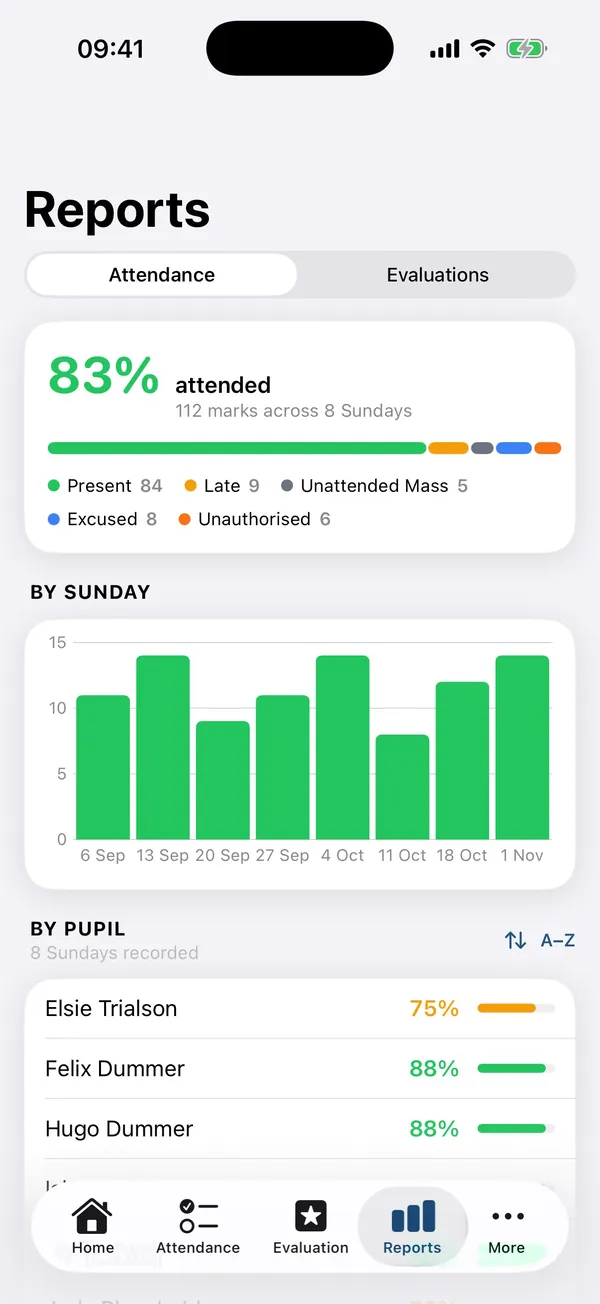
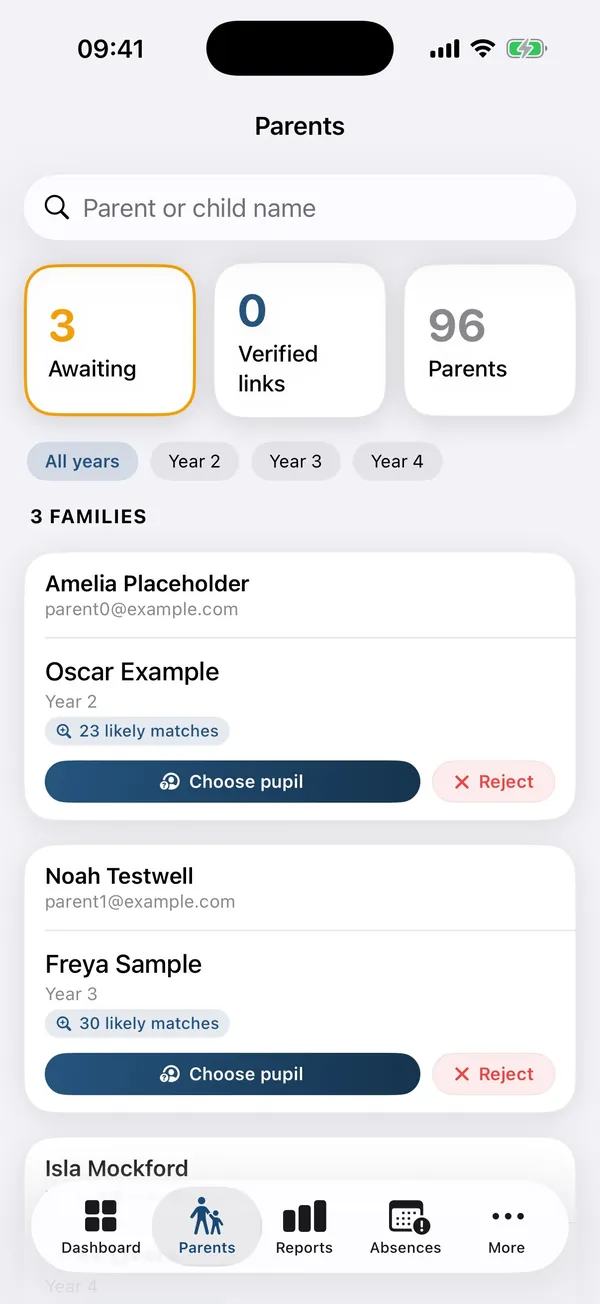
Sunday school management
Registers, evaluations and results for a parish programme, kept in step with its Google Sheets registers. Teachers, parents and staff each get their own view.
- Web
- iOS
- Android
- Google Sheets
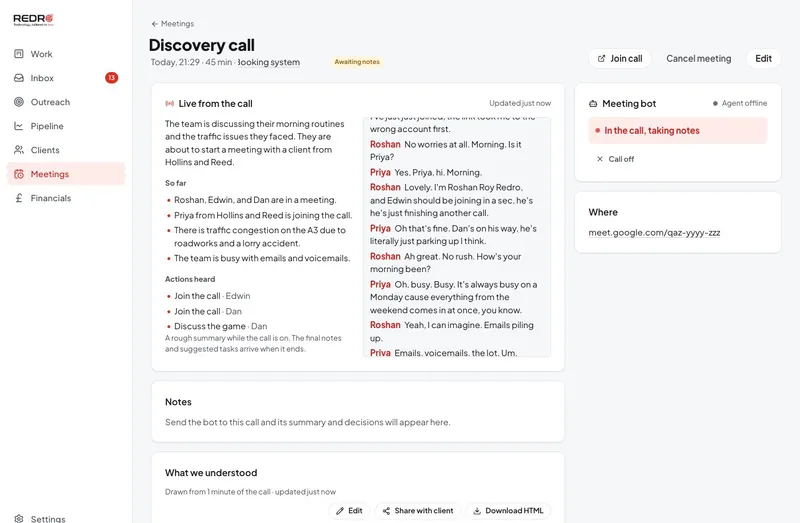
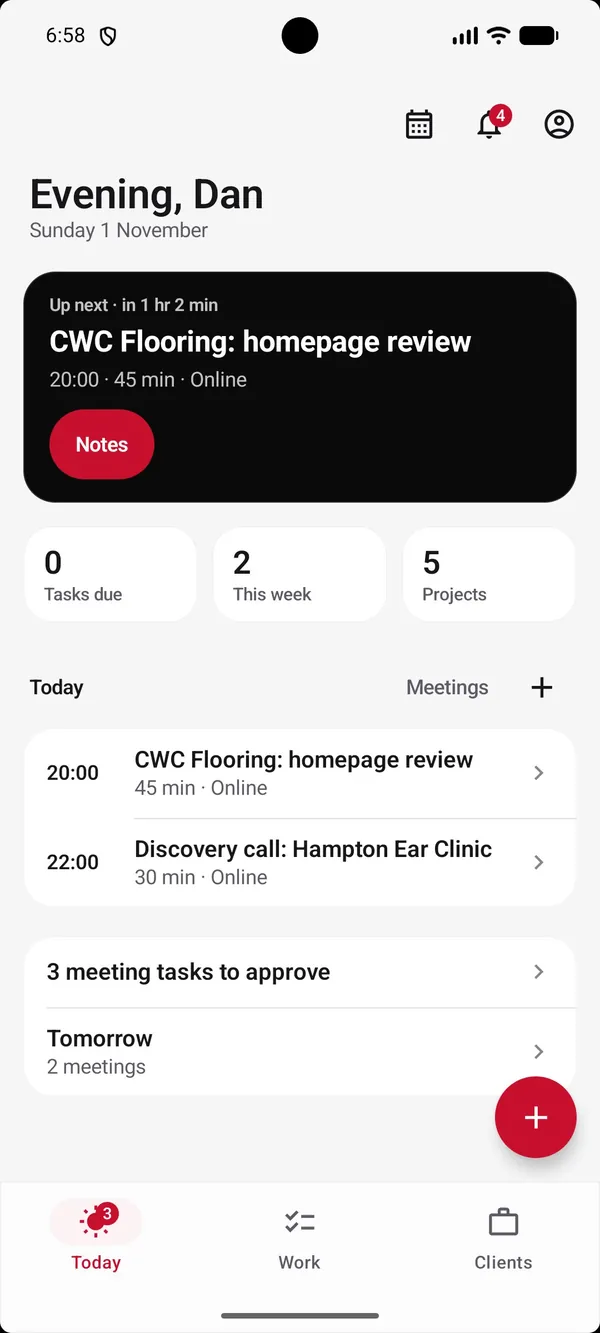
CRM and meeting agent
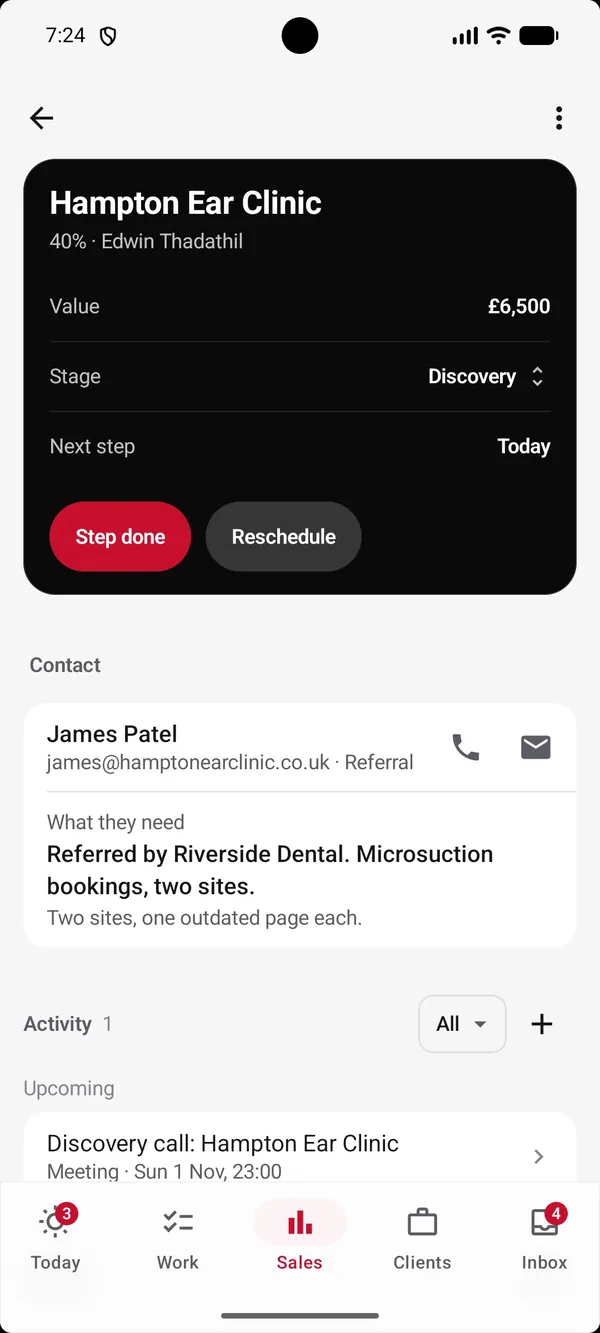
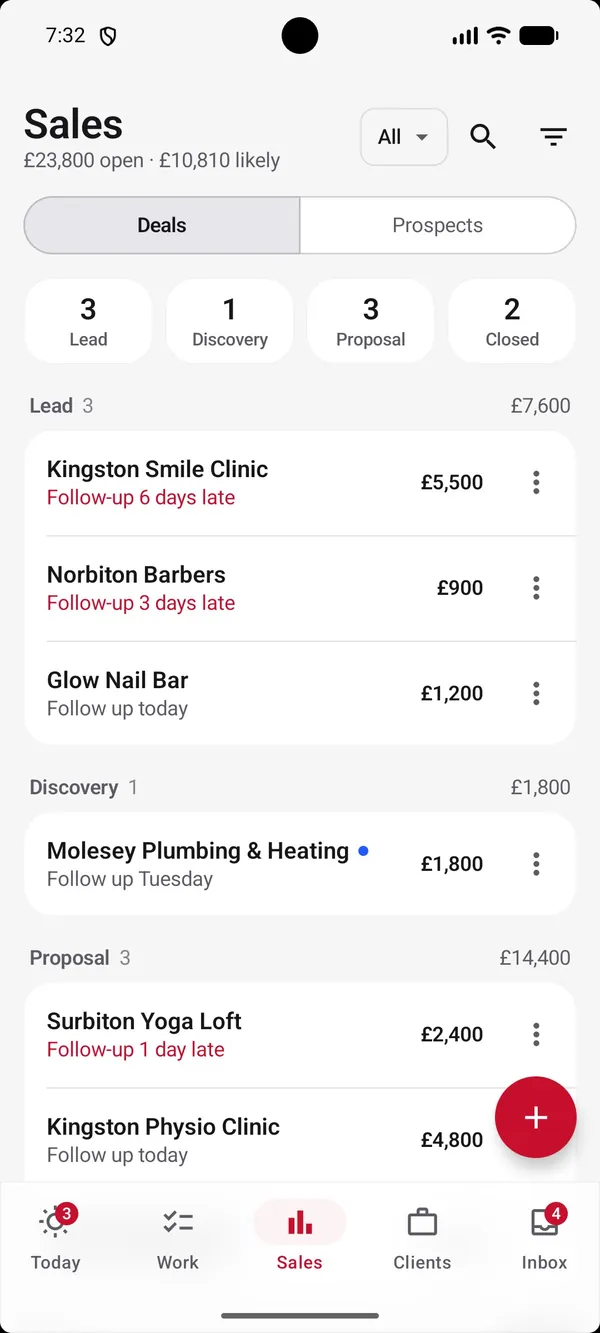
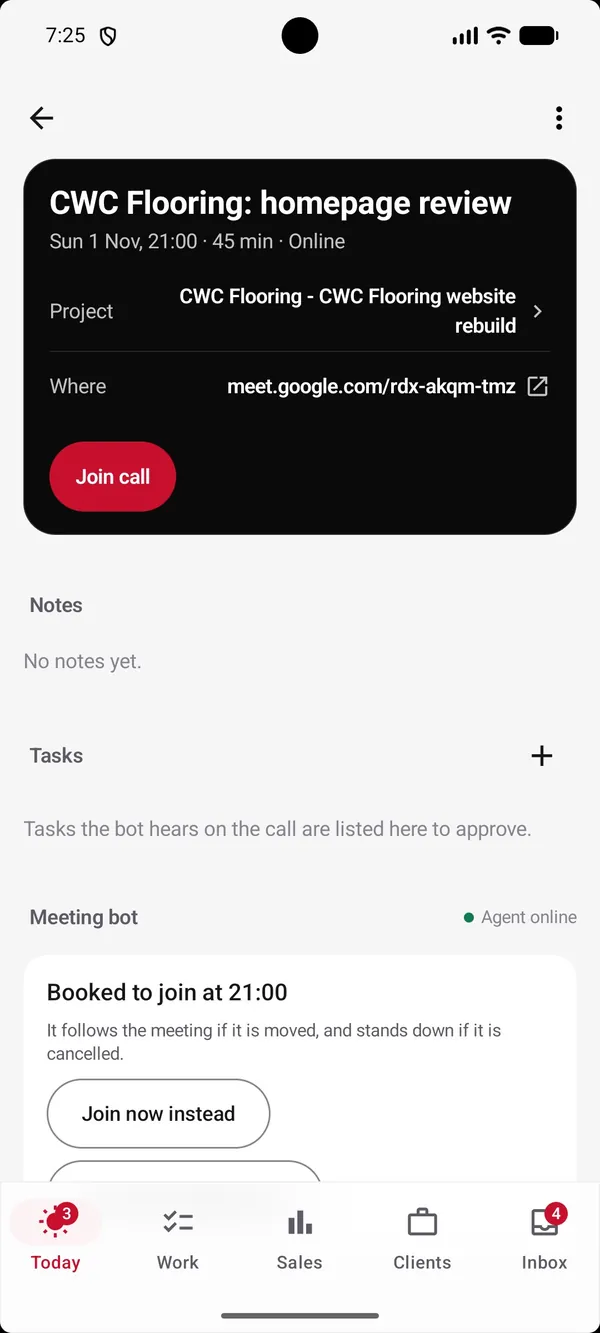
Sales, projects and inbox on the web and on phones. A bot joins the call, writes live notes and suggests tasks to approve.
- Web
- iOS
- Android
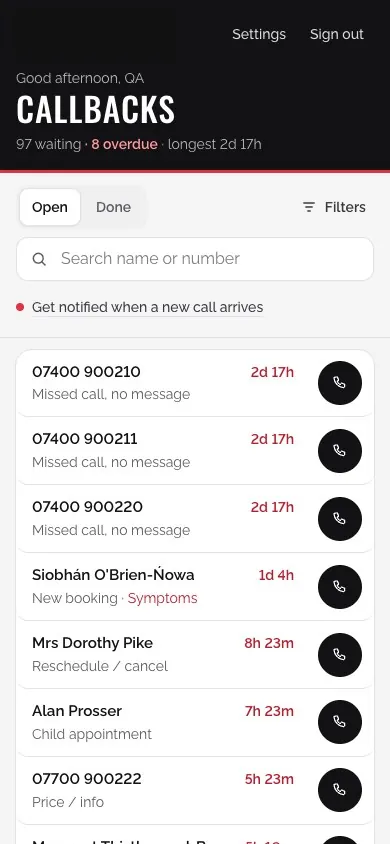
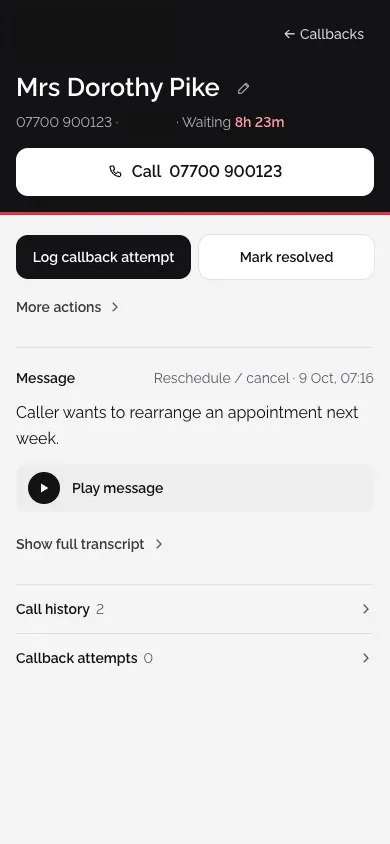
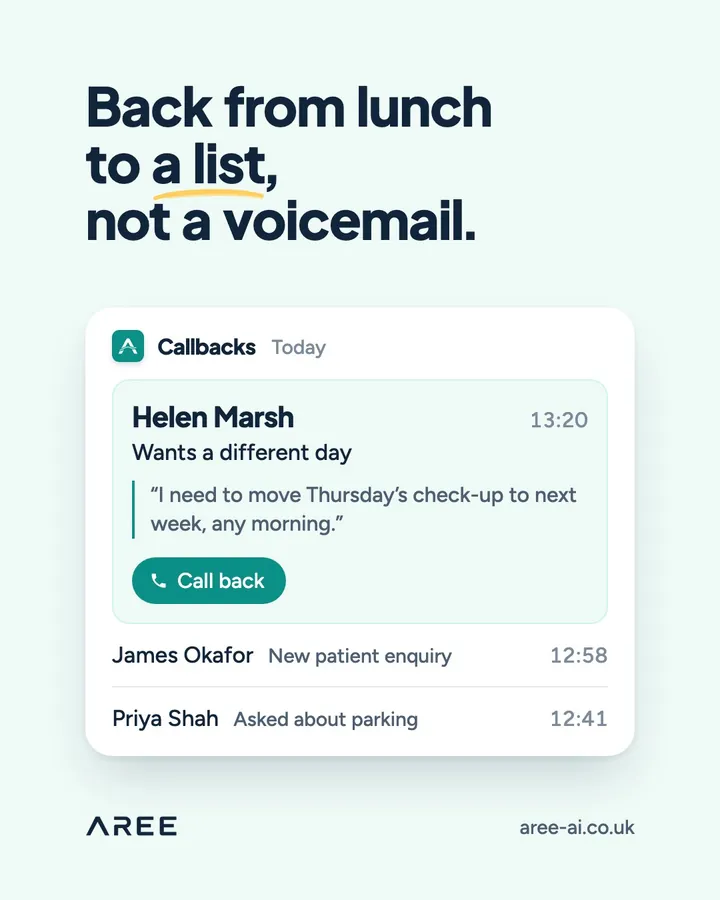
Clinic callbacks
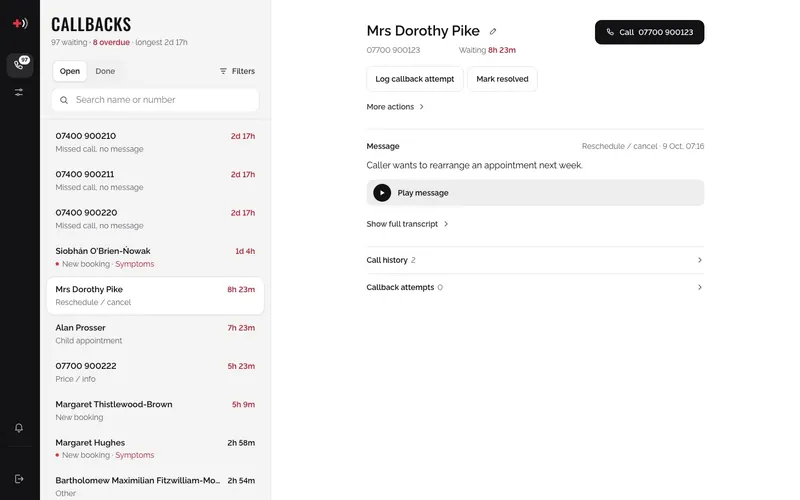
A reception system for missed calls and voicemails: who to call back, how long they have waited and the message they left.
- Web
- Mobile web
- Phone system
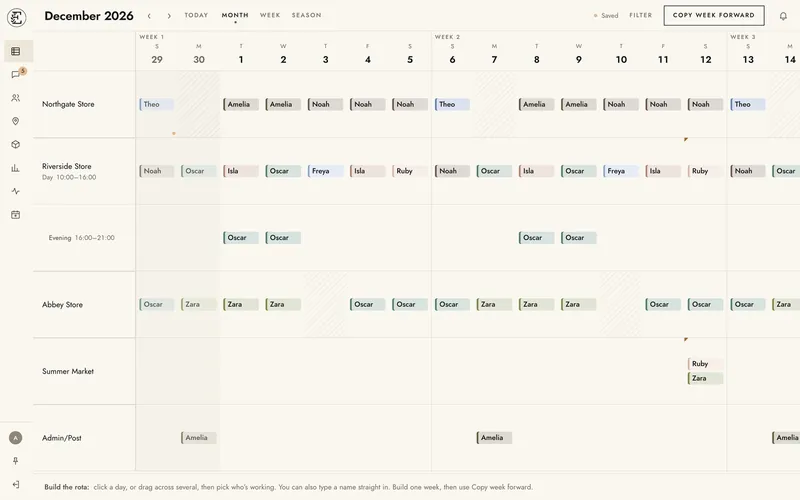
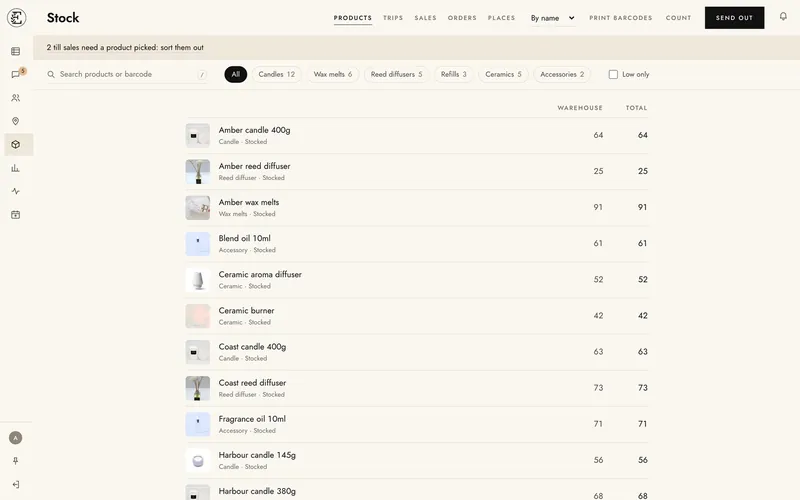
Retail rota and stock
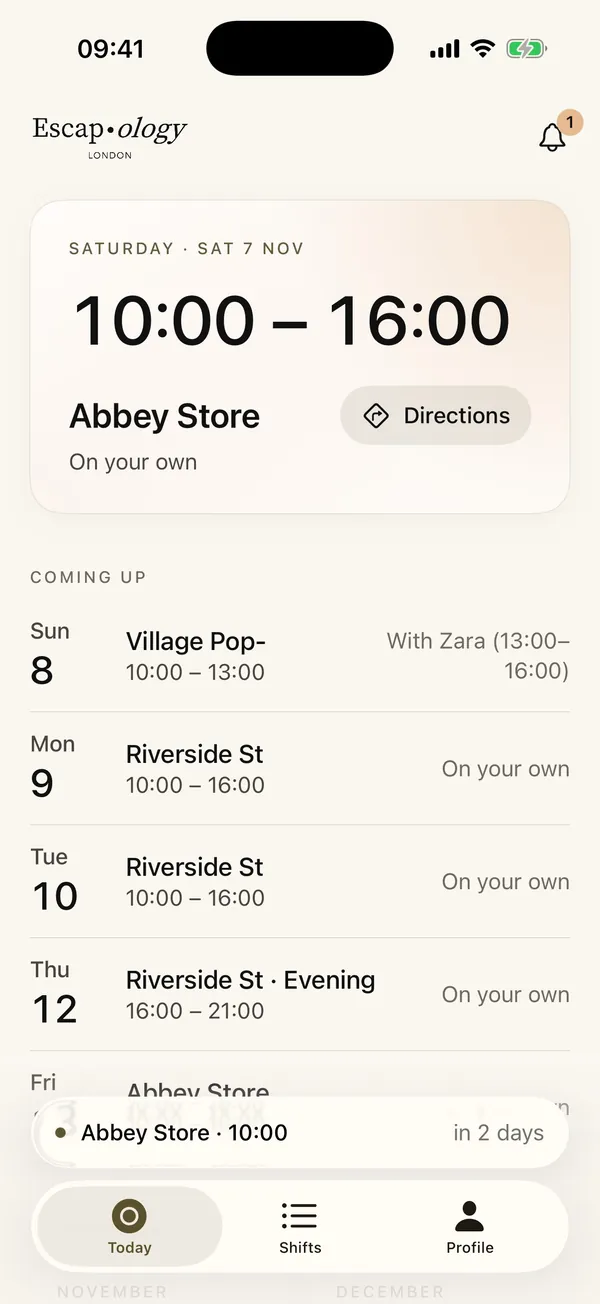
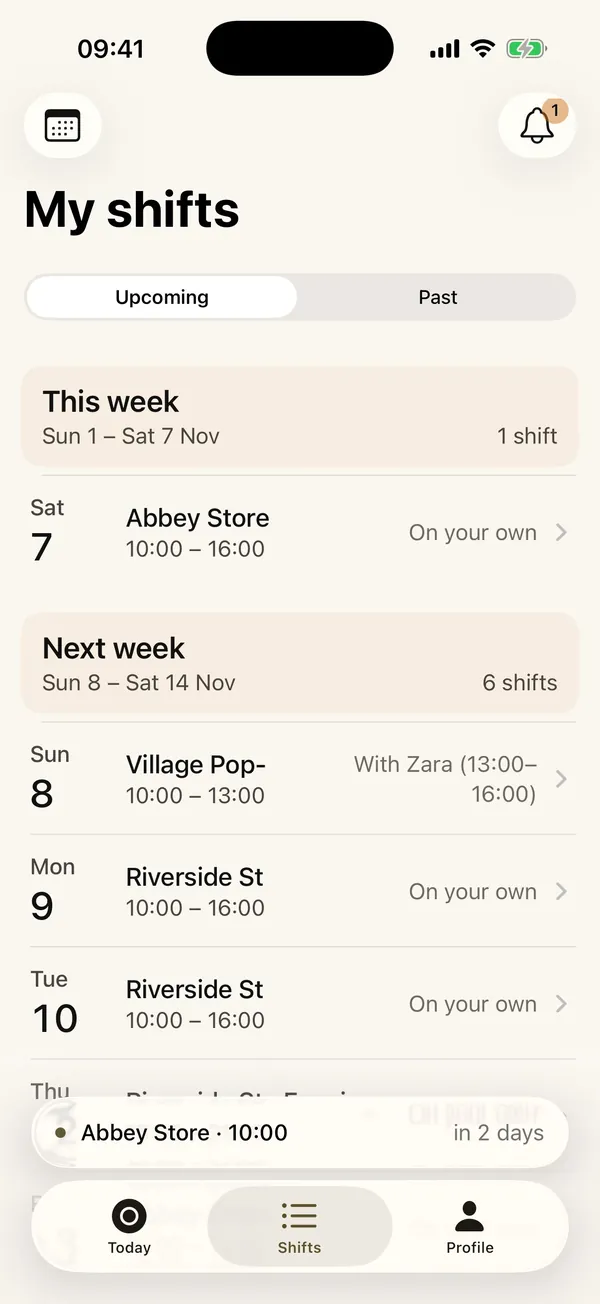
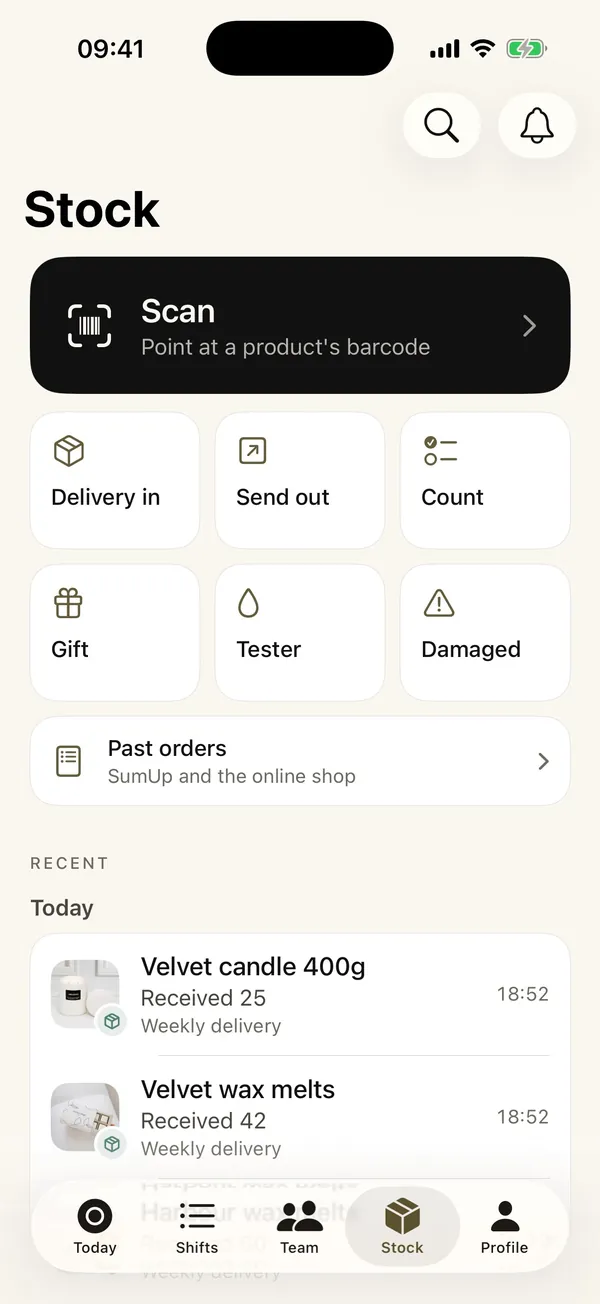
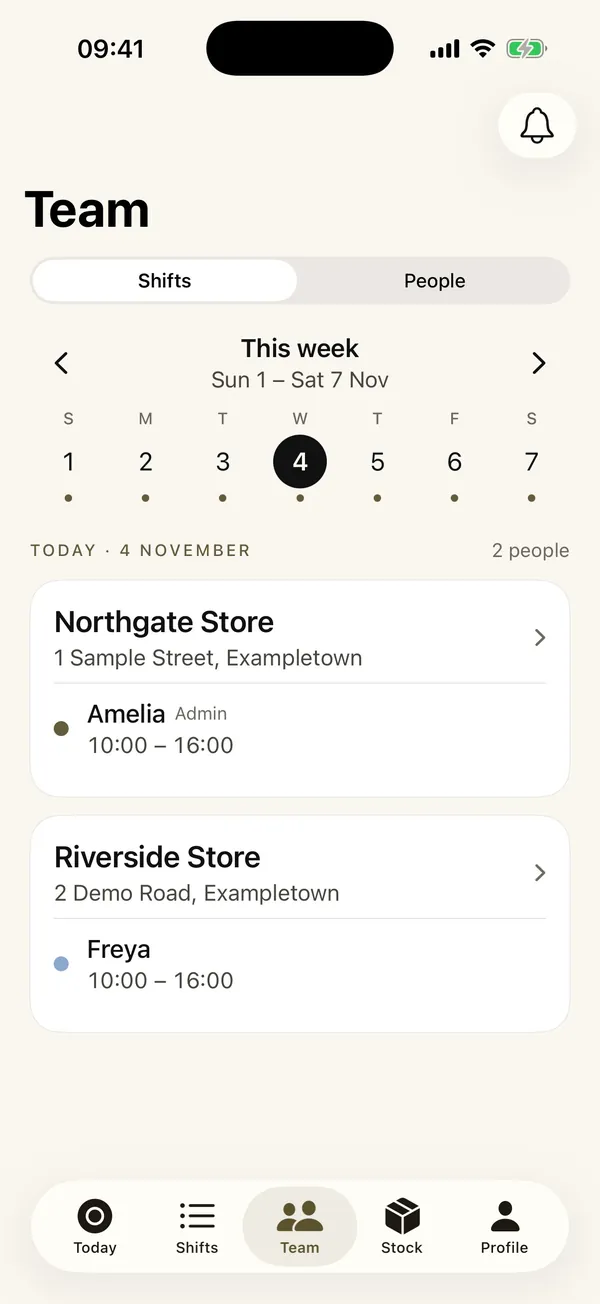
Staff shifts across every location, barcode stock counts, and till sales matched to products, all linked to the stock master sheet.
- Web
- iOS
- Android
- Google Sheets
Financial adviser reviews
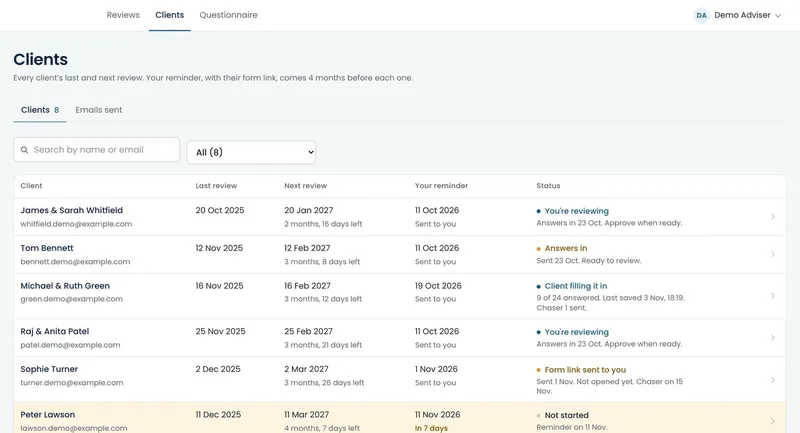
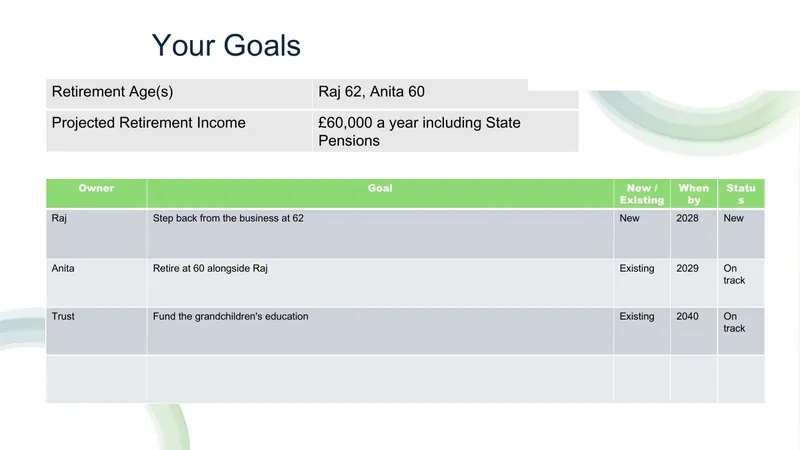
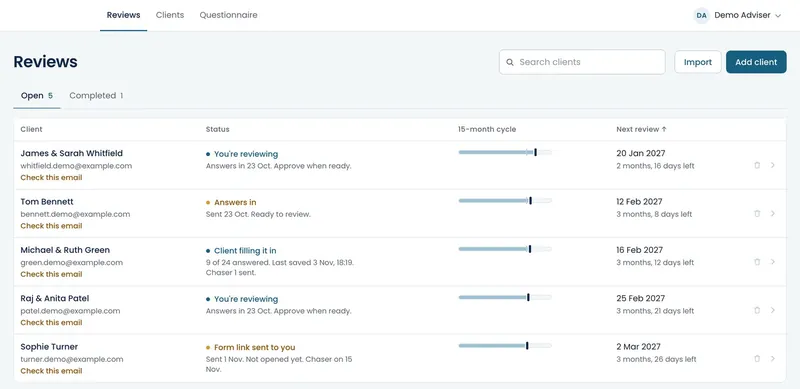
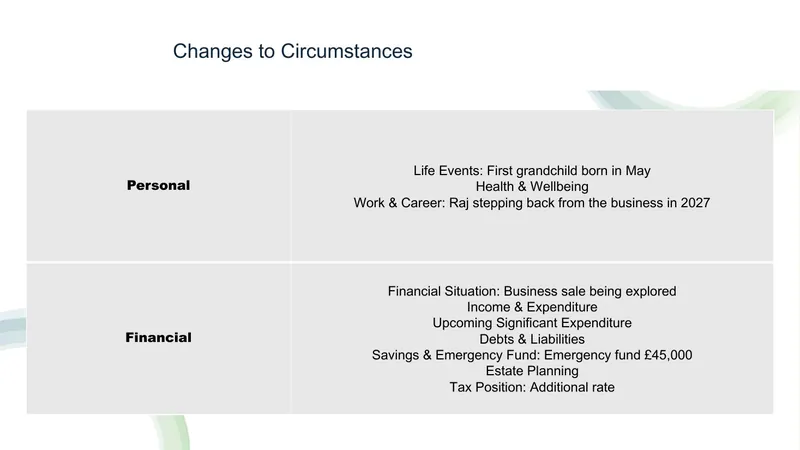
Tracks every client against a 15-month review deadline, collects answers through a secure form, then builds the review PowerPoint from the practice’s own deck.
- Web
- PowerPoint
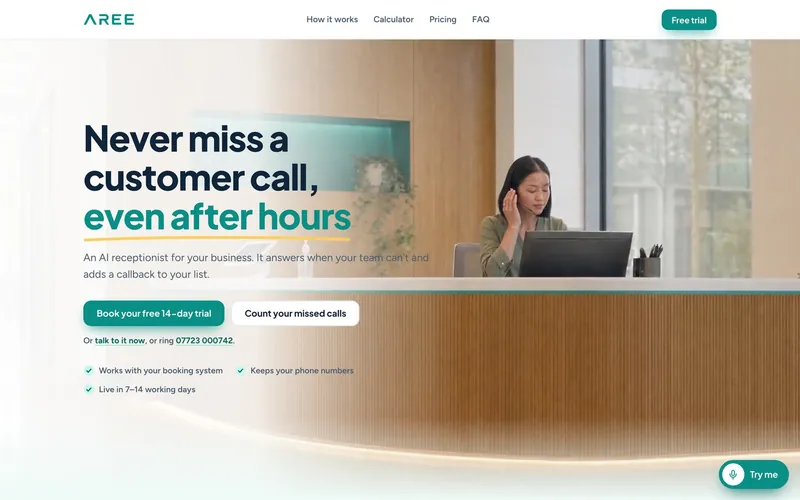

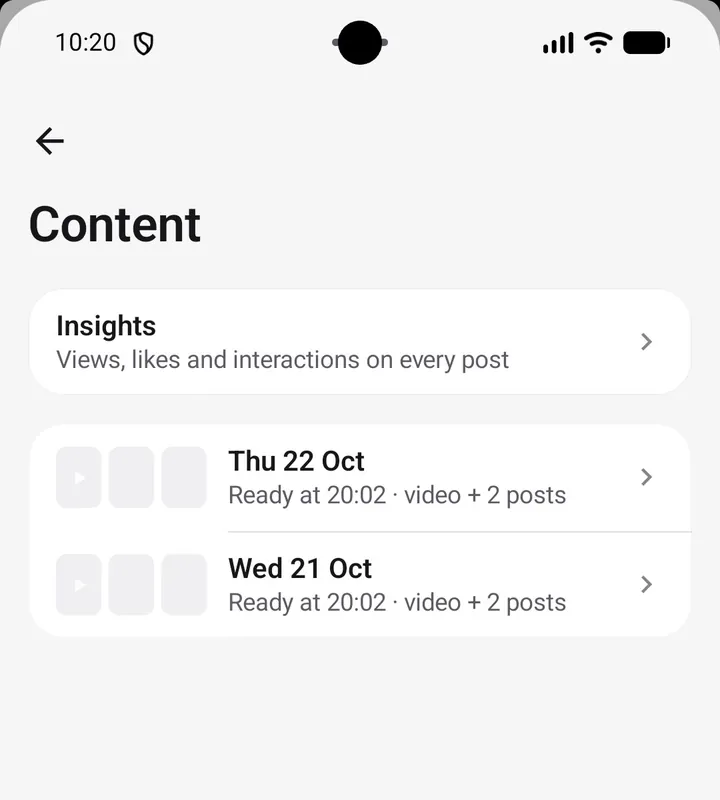
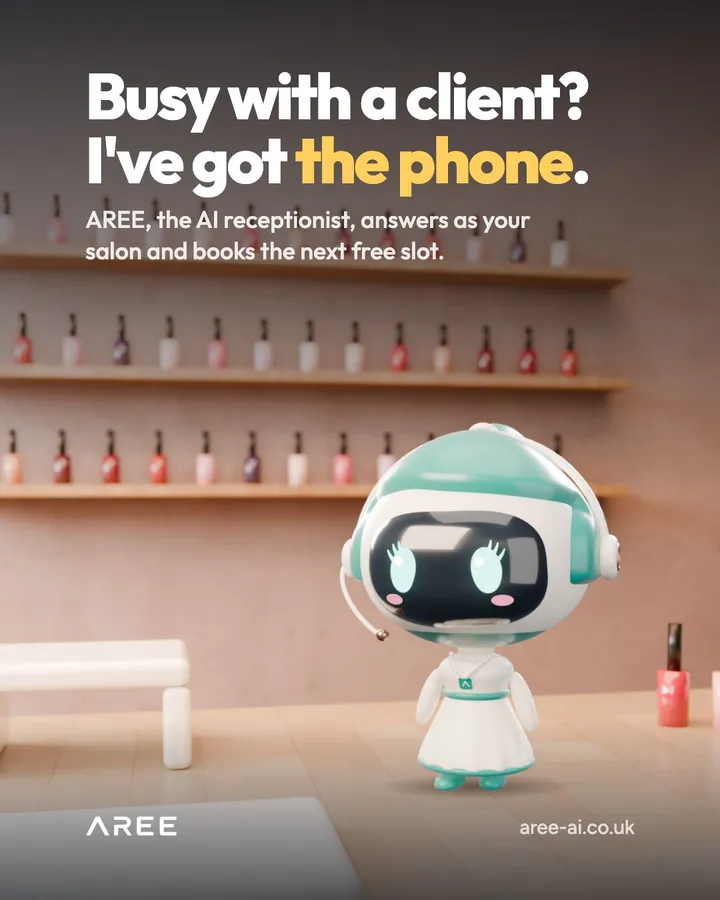
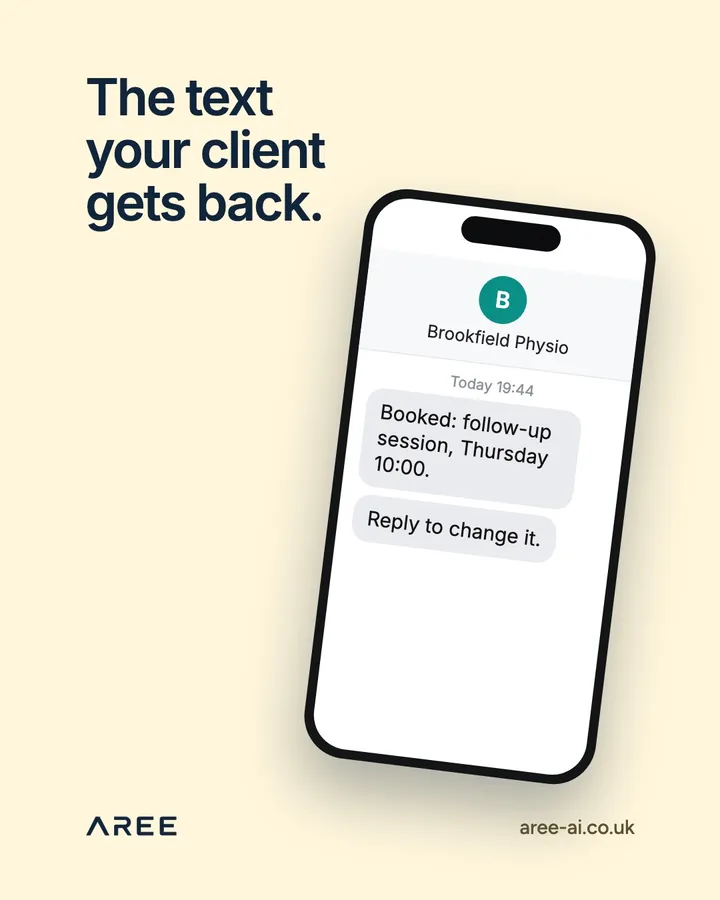
Daily content agent
Press Make video in the CRM and an agent makes the day’s content, checks it against quality and brand rules, then sends it for a person to approve.
- Web
- AI agents
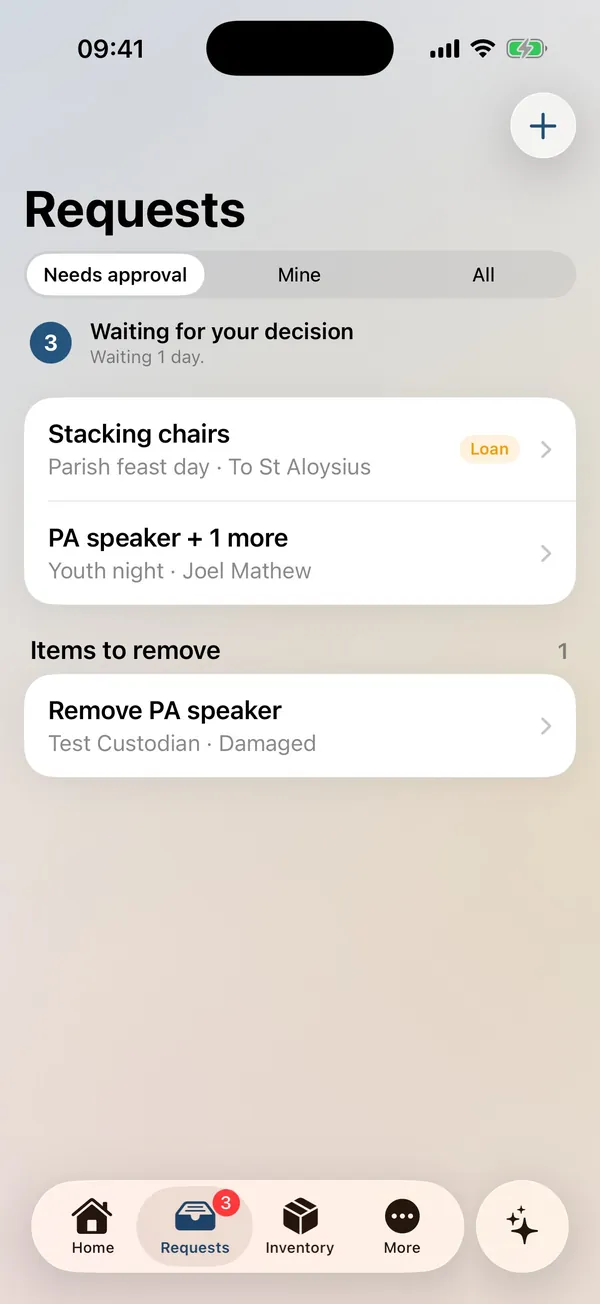
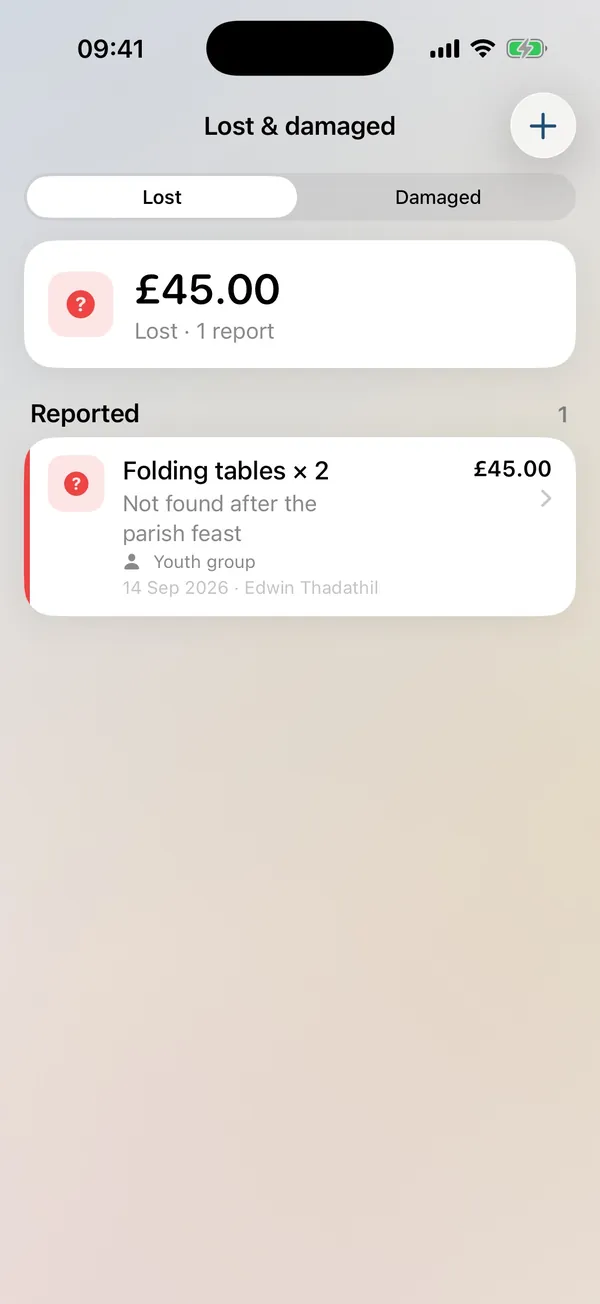
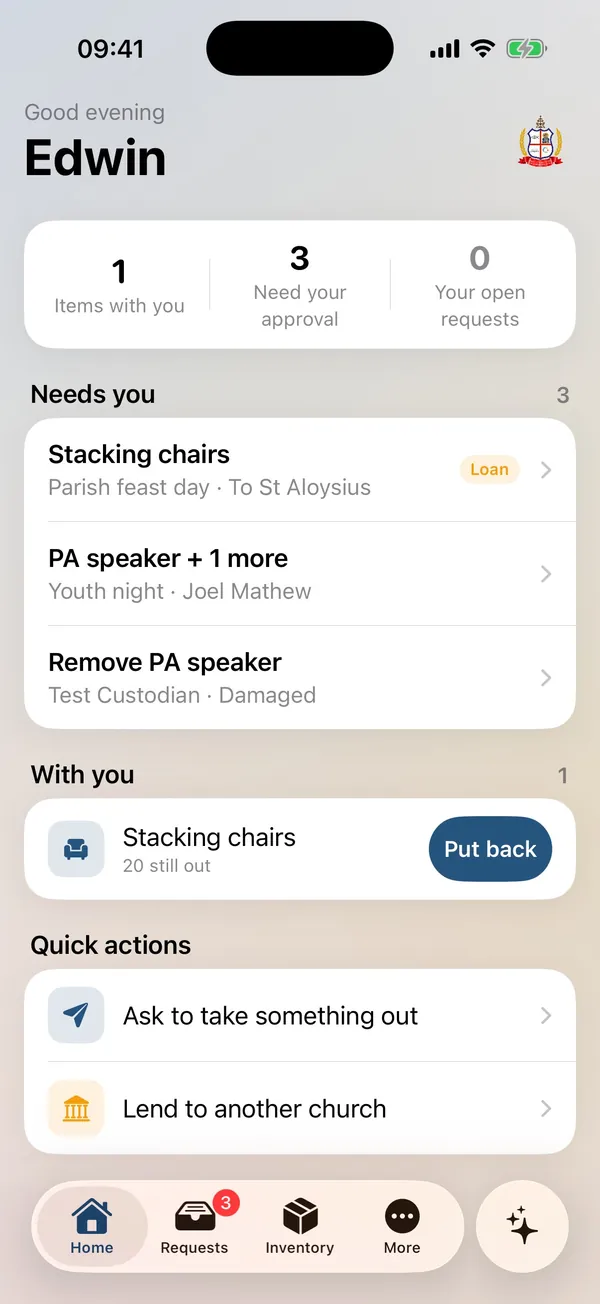
Parish inventory apps
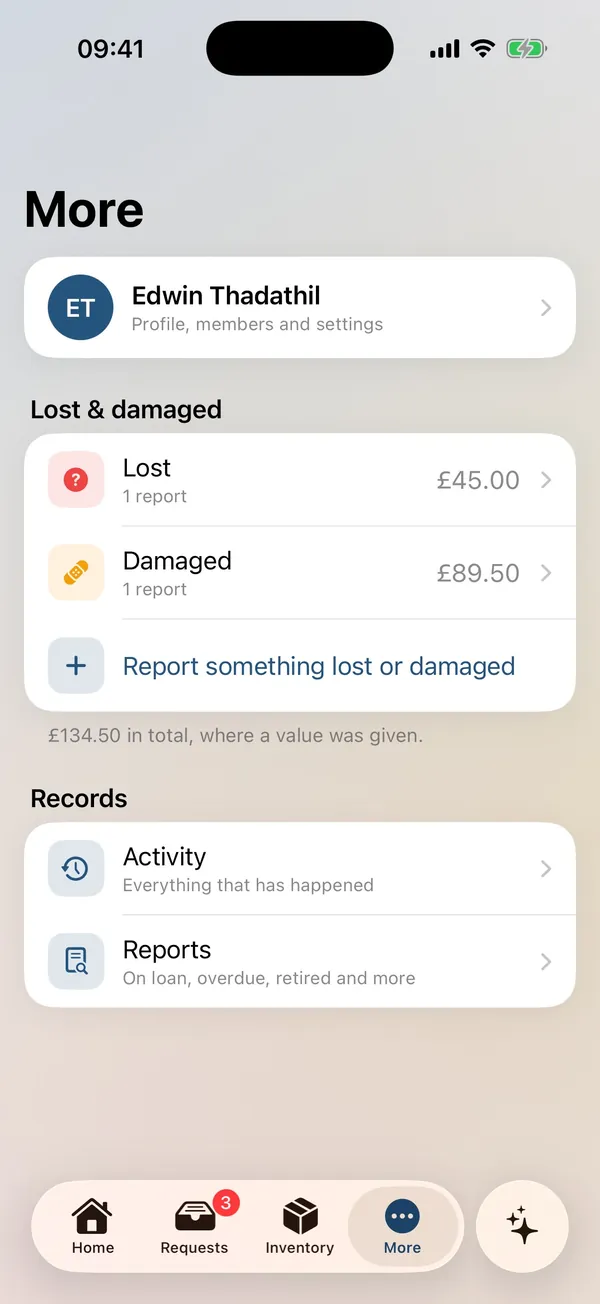
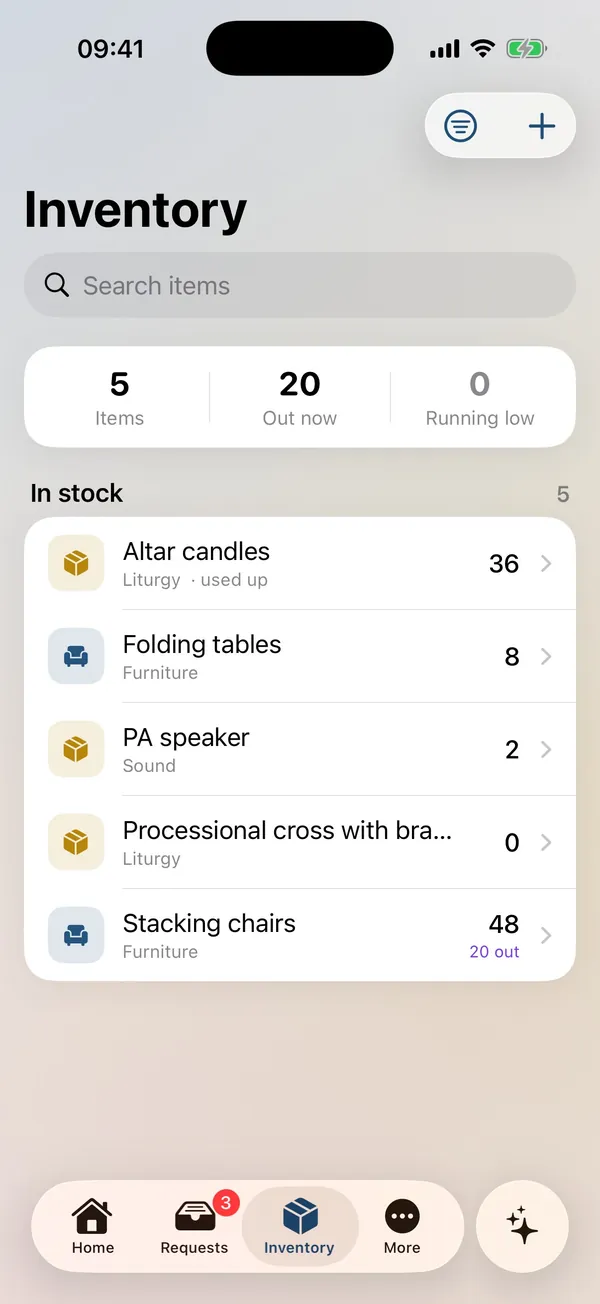
Stock, loans and approvals for a parish, with lost and damaged tracking.
- iOS
- Android
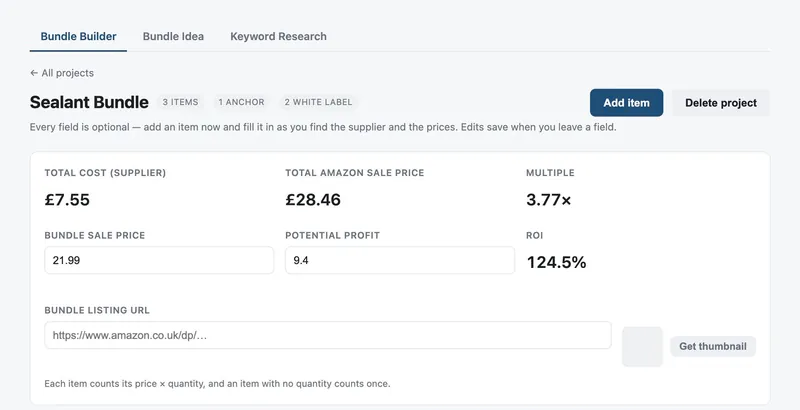
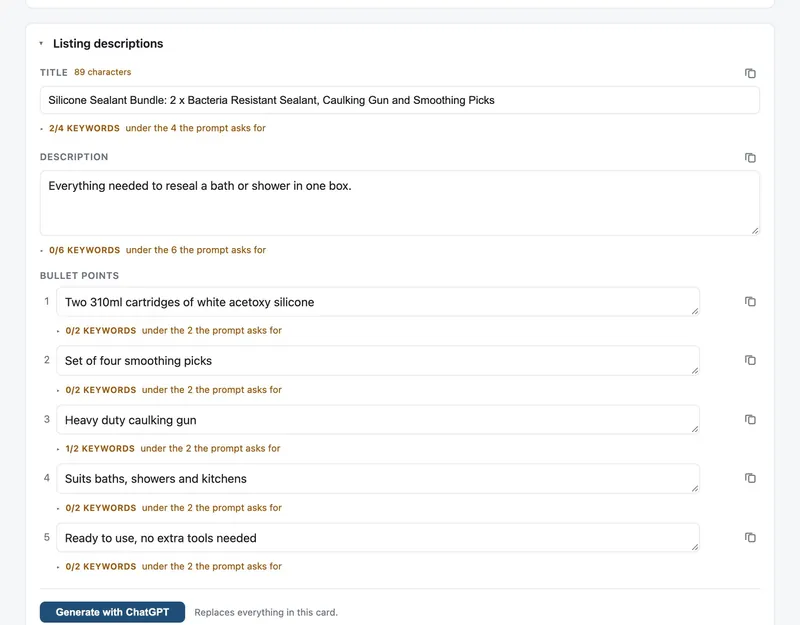
Amazon bundle automation
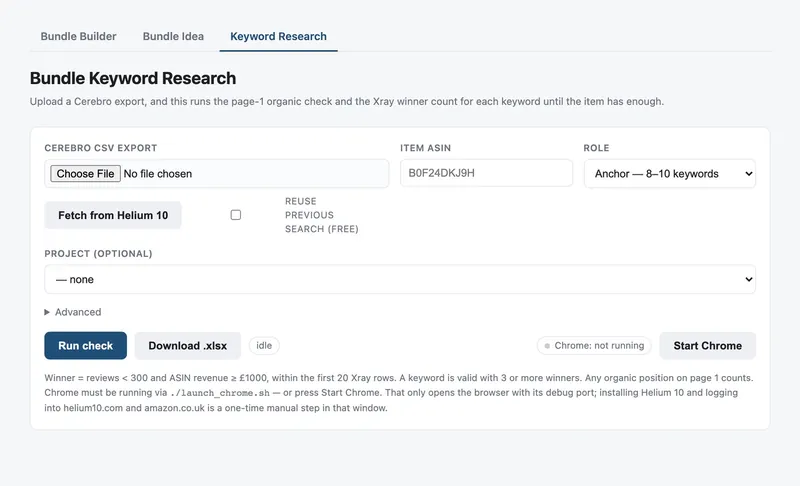
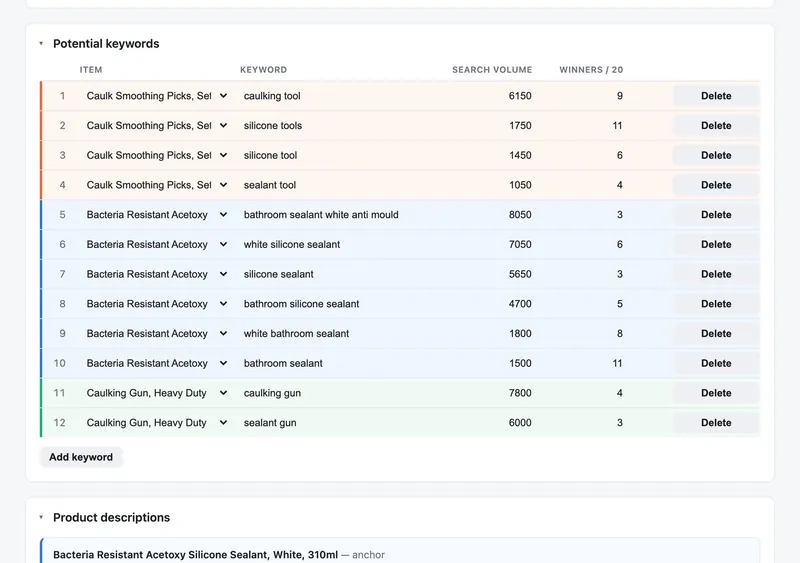
Bundle costing, keyword research with a page-one check on Amazon, and generated listing copy, all in one tool.
- Web app
- Browser automation
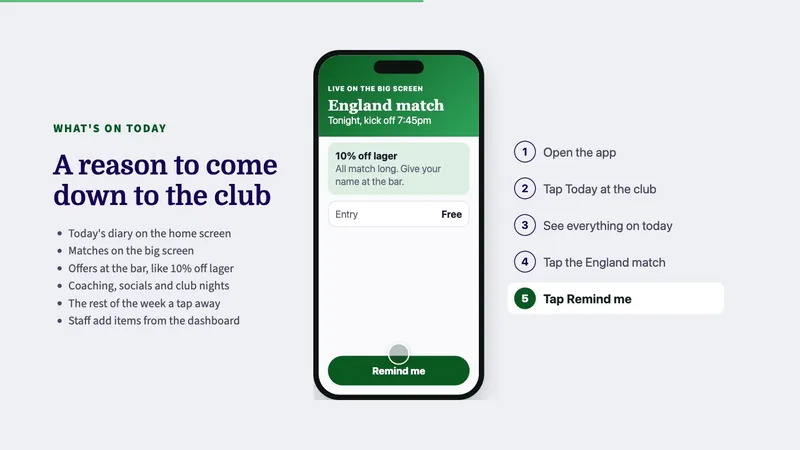
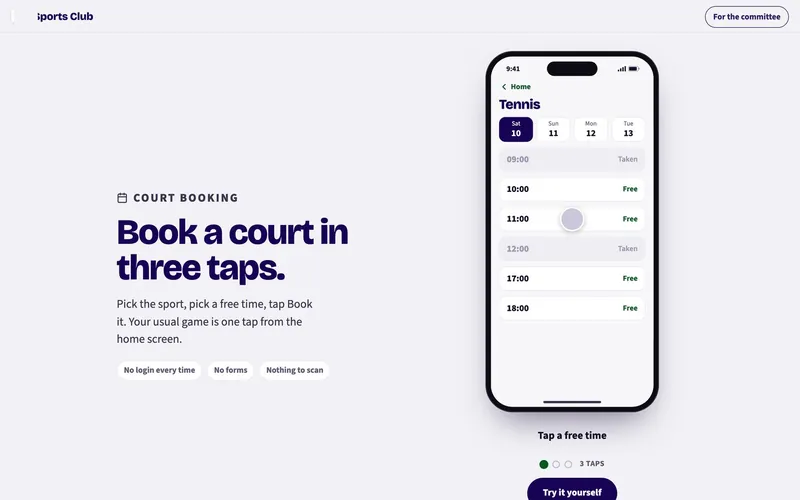
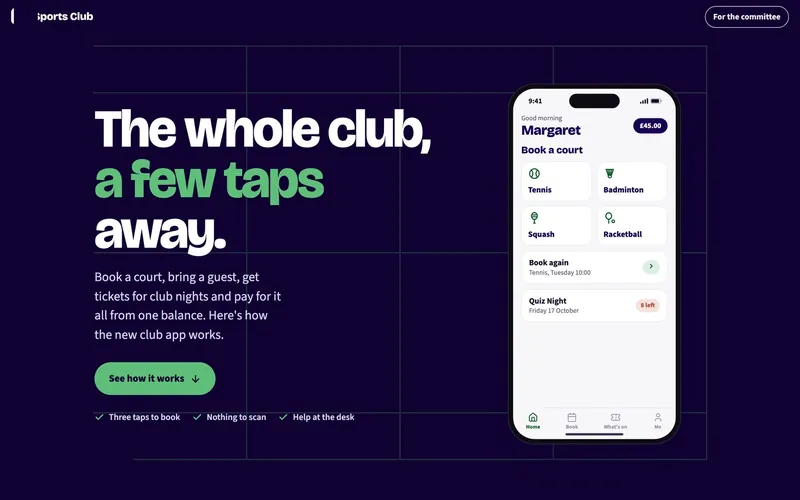
Sports club app
A working demo built for a sports club pitch: court booking, club nights, competitions and credits.
- Mobile app
- Website
- Proposal
How a project runs
Pilot
A short, fixed-price pilot that tests the riskiest part of the idea with real data. If you go ahead, the fee comes off the build.
Scope
A plain-English statement of work: what’s included, what isn’t, the milestones and a fixed fee for each.
Build
We build in milestones and show you working software at the end of each one, so you can steer as it takes shape.
Launch and look after
We put it live, then keep it running on an upkeep plan, and help you plan what comes next.
Then round again, for the next idea.
Tell us the job you’re sick of doing.
We’ll show you how a system could take it off your plate, on a free call with no obligation.
Book a free demoBook a free demo
It’s free and there’s no obligation. Pick a day that suits you and we’ll call you to confirm a time. We’ll show you systems like the ones above and talk through what yours needs to do.